I participated in an Influencer Activation on behalf of Influence Central for MoboTap. I received a PayPal incentive to thank me for my participation. All opinions and reviews are my own.
I’m currently an Android user with a Note 4. I love my phone. Being a blogger, I’m on my smartphone constantly downloading new programs and trying out different social media apps. Using a browswer other than the stock browser for speed is a must. I honestly didn’t know about the Dolphin Browser but I’m happy to report it’s now my primary browser on my phone.
We all want to go faster…our days, getting to work, the cars we drive, and the technology we use. The list goes on and on. And I admit, I’m one of those people who may have a bad day if my internet doesn’t work or my browser keeps crashing. The Dolphin Browser app provides the speed and efficiency we need and the intuitive adaptability that makes searching and planning easy and fun!
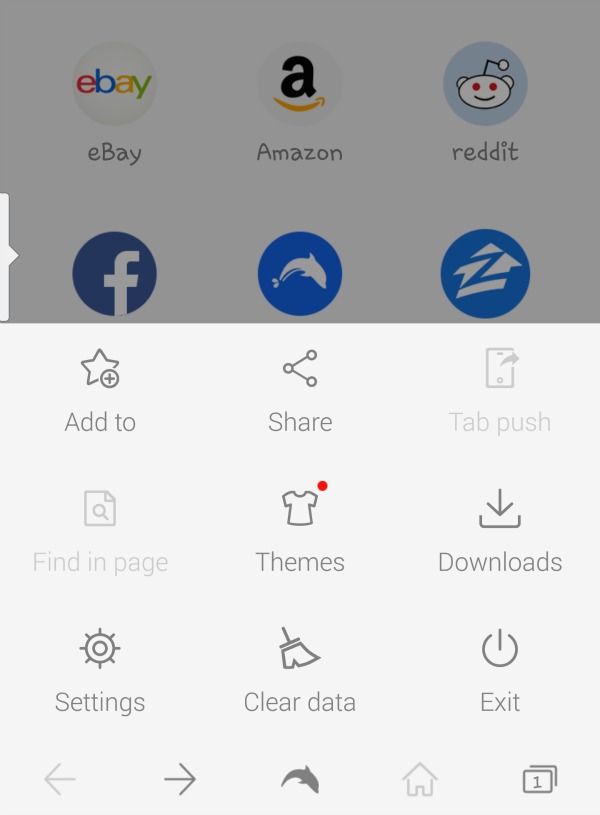
What features do I like on the Dolphin Browser?
The tab list feature. On the bottom right there’s an icon that lets you see all open tabs. This is extremely helpful when I have my kids asking me a million questions if we’re out and about. It seems I’m always looking something up no my phone for them while I’m in the middle of searching for myself!
Modes. I can go into Night Mode, Private Mode, or Desktop Mode throughout the day. Very helpful if I’m searching during different times of the day. I like the Desktop Mode especially if I’m looking at a book blog so I can see all of their menu tabs.
Side Bars. I can easily access my bookmarks (and I always have a bunch) with a swipe of a finger. I can delete browsing history and this is where I can use the optional modes and tabbed browsing.
Gestures. Honestly, I’m not too sure about this feature although it sounds promising. I can make a symbol to take me to different web pages rather than use a bookmark. The problem I find is remember the guesters I’ve made.
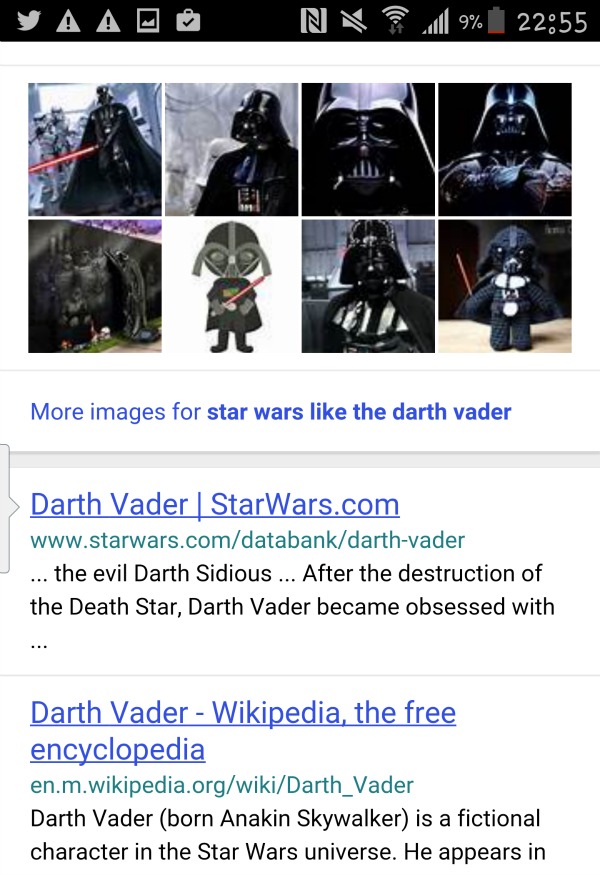
My favorite feature? Sonar! I found it fun to say different things and look at what was Dolphin Browser suggested. I saw a commercial for Star Wars while I was playing with the browswer features and immediately sonared ‘Darth Vader’. I was amused by the Darth Vader crochet doll image that it pulled up!
Download the Dolphin Browser from Google Play or if you’re an iOS User download from iTunes!

Leave a Reply